From a Simple QR Code to a Full Restaurant Platform: The Menyo Pro Story
How a frustration with clunky PDF menus led me to build a complete restaurant operations SaaS.

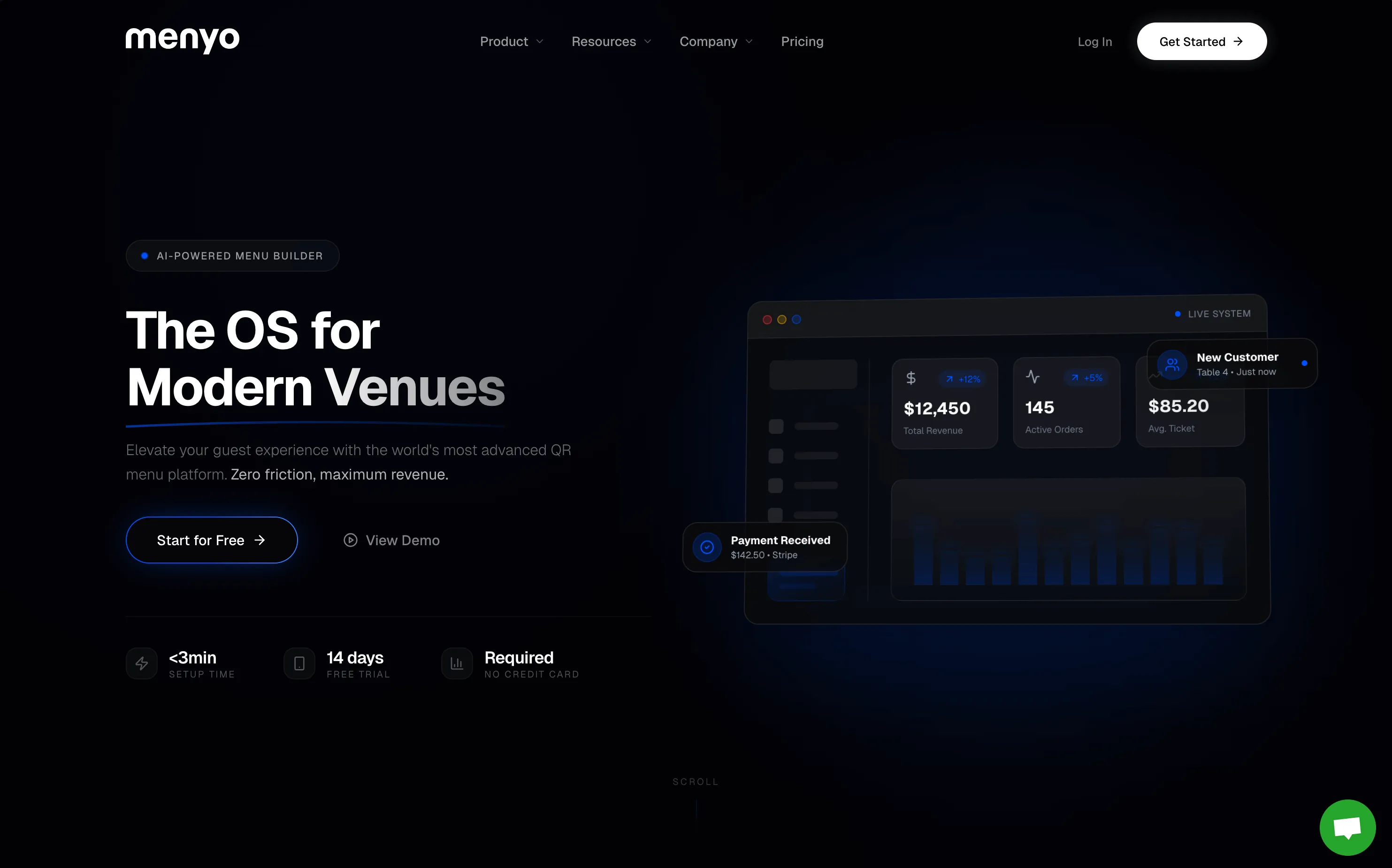
Sometimes the best products start with the simplest frustrations.
View the full Menyo Pro Case Study & Platform Features here
Picture this: You're at a café, hungry, and they hand you a QR code. You scan it expecting magic. Instead, you get a 4MB PDF that takes forever to load, can't be read without pinch-zooming, and looks like it was scanned with a potato.
That moment planted a seed.
What if restaurant owners could just snap a photo of their existing menu and instantly get a beautiful, mobile-friendly digital version?
No hiring designers. No learning new software. No tedious data entry. Just point, shoot, and serve.
That was the original vision for Menyo Pro.
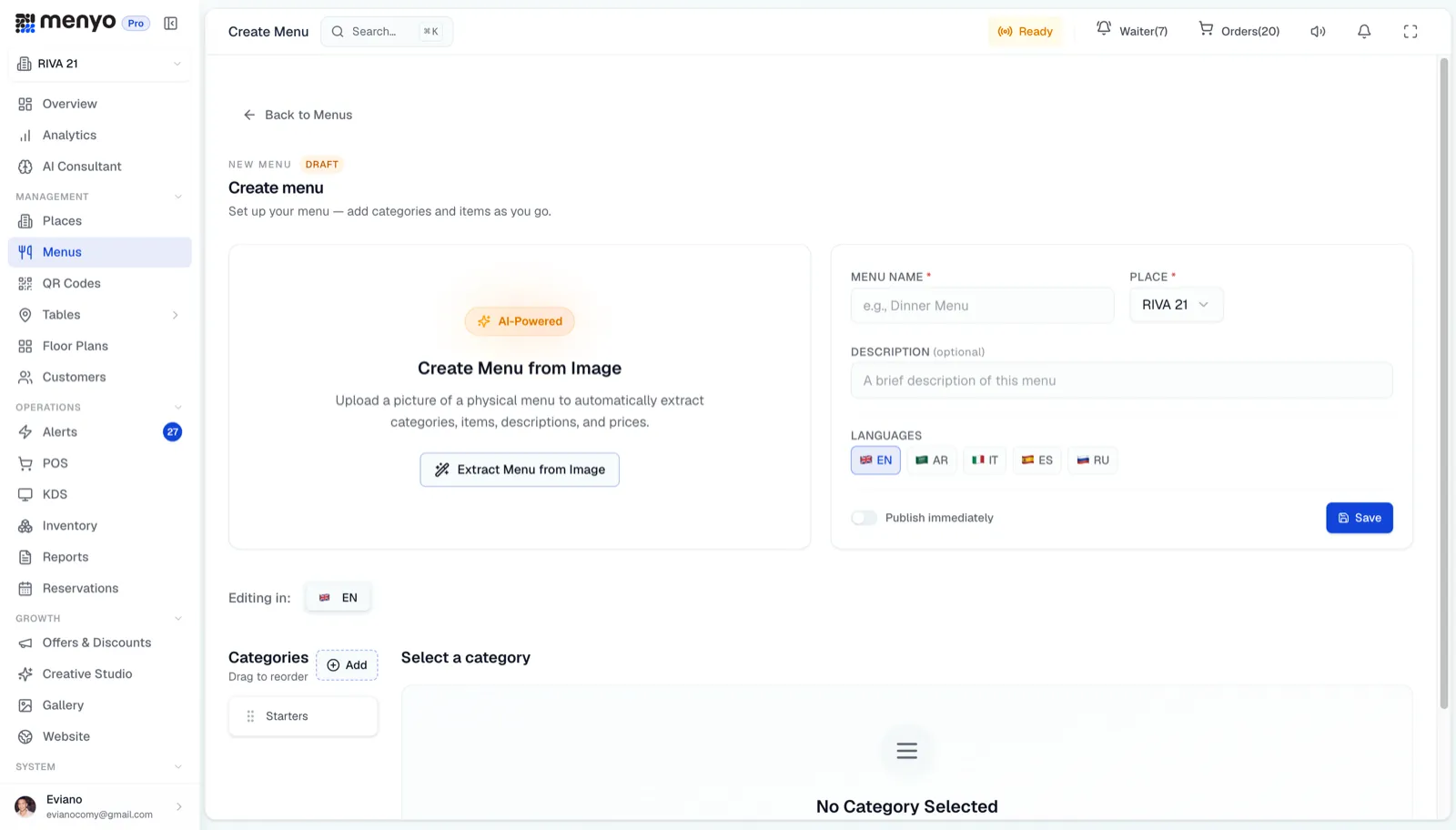
The MVP was embarrassingly basic:
"Can customers order from the menu?"
"Can we get a button for customers to call the waiter?"
"What about showing promotions?"
"Can we track which items people look at the most?"
Each question was a feature request. Each feature request was an opportunity.
The simple QR menu tool started growing. Slowly at first, then all at once.
What started as "scan menu → QR code" became something much bigger:
Phase 1: The Menu
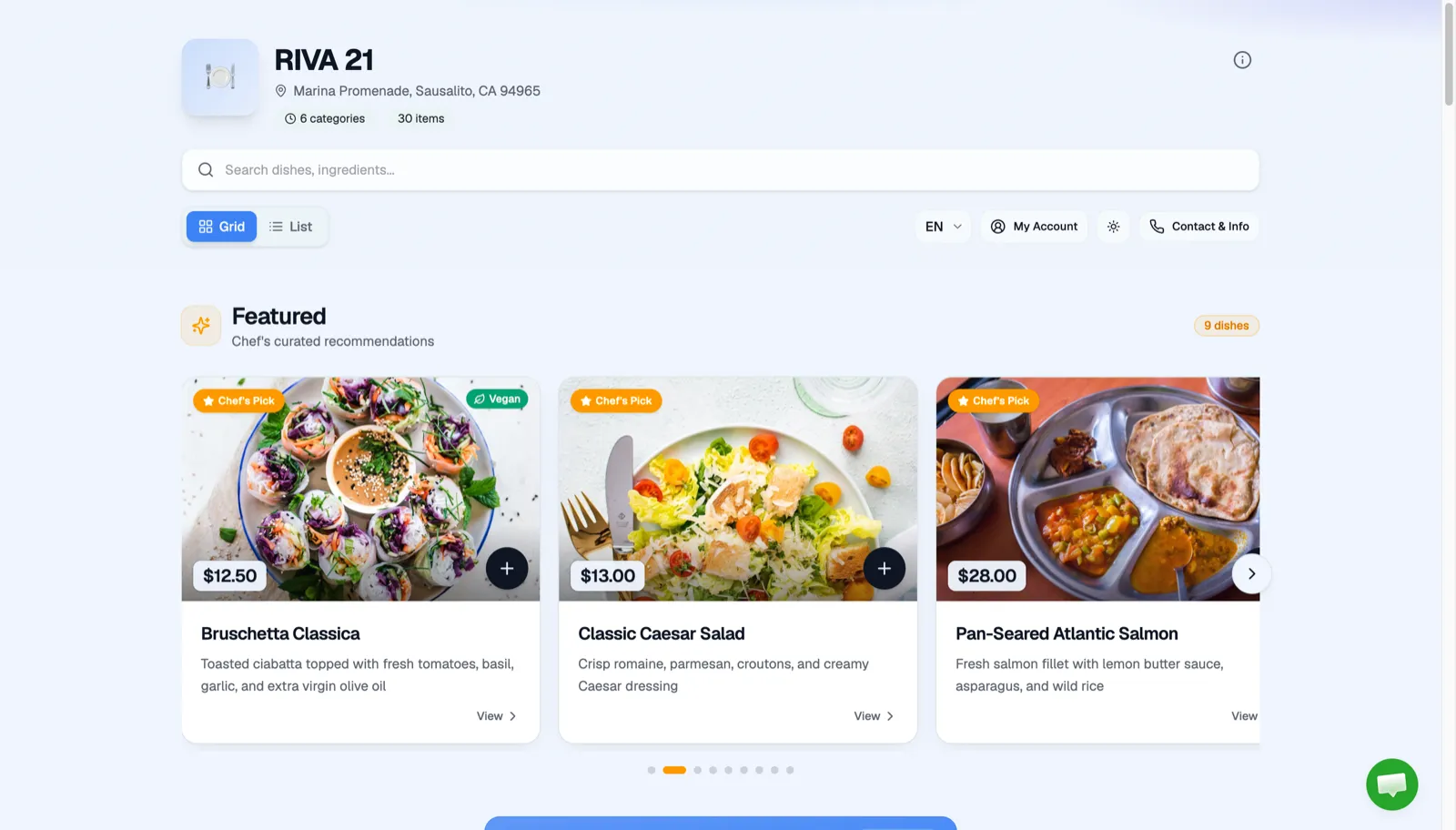
Beautiful digital menus with photos, descriptions, dietary labels. Multiple languages for tourist areas. Custom branding so it feels like their menu, not ours.
 Phase 2: Guest Interaction
A waiter call button that sends real-time alerts to staff. Customer feedback collection. Order placement directly from the phone.
Phase 2: Guest Interaction
A waiter call button that sends real-time alerts to staff. Customer feedback collection. Order placement directly from the phone.
 Phase 3: Operations
A point-of-sale system. Kitchen displays for order management. Table management with QR codes per table. Analytics to see what's actually happening.
Phase 3: Operations
A point-of-sale system. Kitchen displays for order management. Table management with QR codes per table. Analytics to see what's actually happening.
 Phase 4: Growth Tools
Loyalty programs. Promotional offers. Reservations. Mini-websites for social media linking. Email campaigns.
Each phase solved a real problem that restaurant owners told us they had. We just listened and built.
Phase 4: Growth Tools
Loyalty programs. Promotional offers. Reservations. Mini-websites for social media linking. Email campaigns.
Each phase solved a real problem that restaurant owners told us they had. We just listened and built.
I won't go deep into the stack (that's proprietary knowledge), but the philosophy was simple:
1. Start with the pain, not the solution
The AI menu scanner wasn't a feature I dreamed up. It was the answer to "I don't have time to type all this in."
2. Talk to users obsessively
Every major feature came from a conversation. Not market research. Not competitor analysis. Actual humans running actual restaurants telling me what sucks.
3. Simple > Feature-rich (at first)
The first version did ONE thing well. That's how you get users. Then you expand.
4. Restaurants are surprisingly complex
Different menu for lunch and dinner. Multiple languages. Table-specific QR codes. Staff permissions. Taxes. Service charges. What looks simple from the outside is a maze of edge cases.
5. Distribution is harder than building
Building the product took months. Getting restaurants to actually use it? That's the ongoing battle.
Menyo Pro has grown from that simple "photo to QR menu" idea into a platform that handles:
 The core insight never changed though: restaurants are busy, and technology should make their lives easier, not add more complexity.
Every feature we build has to pass one test: Does this save the restaurant owner time or make them more money?
If not, we don't build it.
The core insight never changed though: restaurants are busy, and technology should make their lives easier, not add more complexity.
Every feature we build has to pass one test: Does this save the restaurant owner time or make them more money?
If not, we don't build it.
We're still just getting started. The restaurant industry is massive, fragmented, and still running on a lot of paper and spreadsheets. There's so much opportunity to make things better.
But I'm not sharing the roadmap here. 😉
What I will say is this: if you're building something, start with the smallest possible version that solves a real problem. The "PDF menu that sucks" problem was small, but it was real. Everything else grew from there.
Menyo Pro is live in production, with paying restaurant customers on Stripe subscriptions. If you run a restaurant and hate your current menu situation, you know where to find us. , Built with stubbornness, caffeine, and genuine frustration with bad QR menus
It Started With a Bad Menu Experience
The First Version: Stupidly Simple
- Upload an image or PDF of your menu
- AI extracts all the items, prices, and categories
- Generate a QR code
- Done. Your menu is now digital.
Then They Started Asking For More
The Evolution (Without Giving Away the Playbook)
Phase 2: Guest Interaction
A waiter call button that sends real-time alerts to staff. Customer feedback collection. Order placement directly from the phone.
Phase 3: Operations
A point-of-sale system. Kitchen displays for order management. Table management with QR codes per table. Analytics to see what's actually happening.
Phase 4: Growth Tools
Loyalty programs. Promotional offers. Reservations. Mini-websites for social media linking. Email campaigns.
Each phase solved a real problem that restaurant owners told us they had. We just listened and built.
The Tech? Modern, But Boring on Purpose
- Type safety everywhere, catch bugs before users do
- Real-time when it matters, waiter calls can't lag
- Mobile-first always, customers are on phones, period
- Fast by default, menus should load faster than the waiter walks over
What I Learned Building This
Where We Are Now
- Digital menus across multiple languages
- Guest ordering and waiter calls
- Point of sale operations
- Kitchen order management
- Customer loyalty and offers
- Reservations
- Analytics and insights
- And a bunch more I probably shouldn't list
The core insight never changed though: restaurants are busy, and technology should make their lives easier, not add more complexity.
Every feature we build has to pass one test: Does this save the restaurant owner time or make them more money?
If not, we don't build it.
The Road Ahead
Menyo Pro is live in production, with paying restaurant customers on Stripe subscriptions. If you run a restaurant and hate your current menu situation, you know where to find us. , Built with stubbornness, caffeine, and genuine frustration with bad QR menus